

Payroll setup is incomplete
To use Xero Payroll, you must complete its setup in Xero. If setup is incomplete, UpSheets will ask you to check your payroll settings and retry. If you see an error such as Error loading payroll settings, add the Xero organisation again to refresh the connection before trying general browser troubleshooting.Payroll Disabled on Import Files
On Import Files, under Items to Import, a Payroll Disabled card with Click to connect Xero Payroll means UpSheets could not use Xero Payroll for the organisation you have selected (payroll was off on the last connection). Click the card, then Connect in the Xero Connection window to sign in to Xero again for that organisation. Or select Organisations from the menu and Add Organisation to reconnect the same Xero organisation. After payroll is ready in Xero, reconnect so Timesheets and Leave appear instead of the disabled card.Check your Xero user
If you have changed the Xero user who originally connected UpSheets, this may be the cause. If that user’s permissions or details have changed, add the Xero organisation again to refresh the connection. See Manage Your Connection. Use a Xero user with Payroll and Projects access.If using a Xero demo organisation
The most common cause is a new demo organisation. Payroll setup is complete except for the final step: viewing the overview page. Xero requires this before Payroll works with any external app. Resetting the demo in Xero or creating another demo company adds a new organisation in UpSheets. Each one needs Payroll > Overview opened in Xero before you reconnect it. To fix it, go to Payroll > Overview in Xero, wait for the page to load, then add the Xero organisation again to refresh the connection (or use Connect from the Payroll Disabled card on Import Files).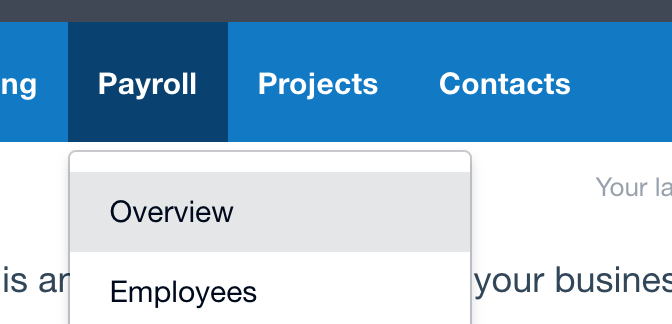
Navigate to Payroll > Overview in Xero
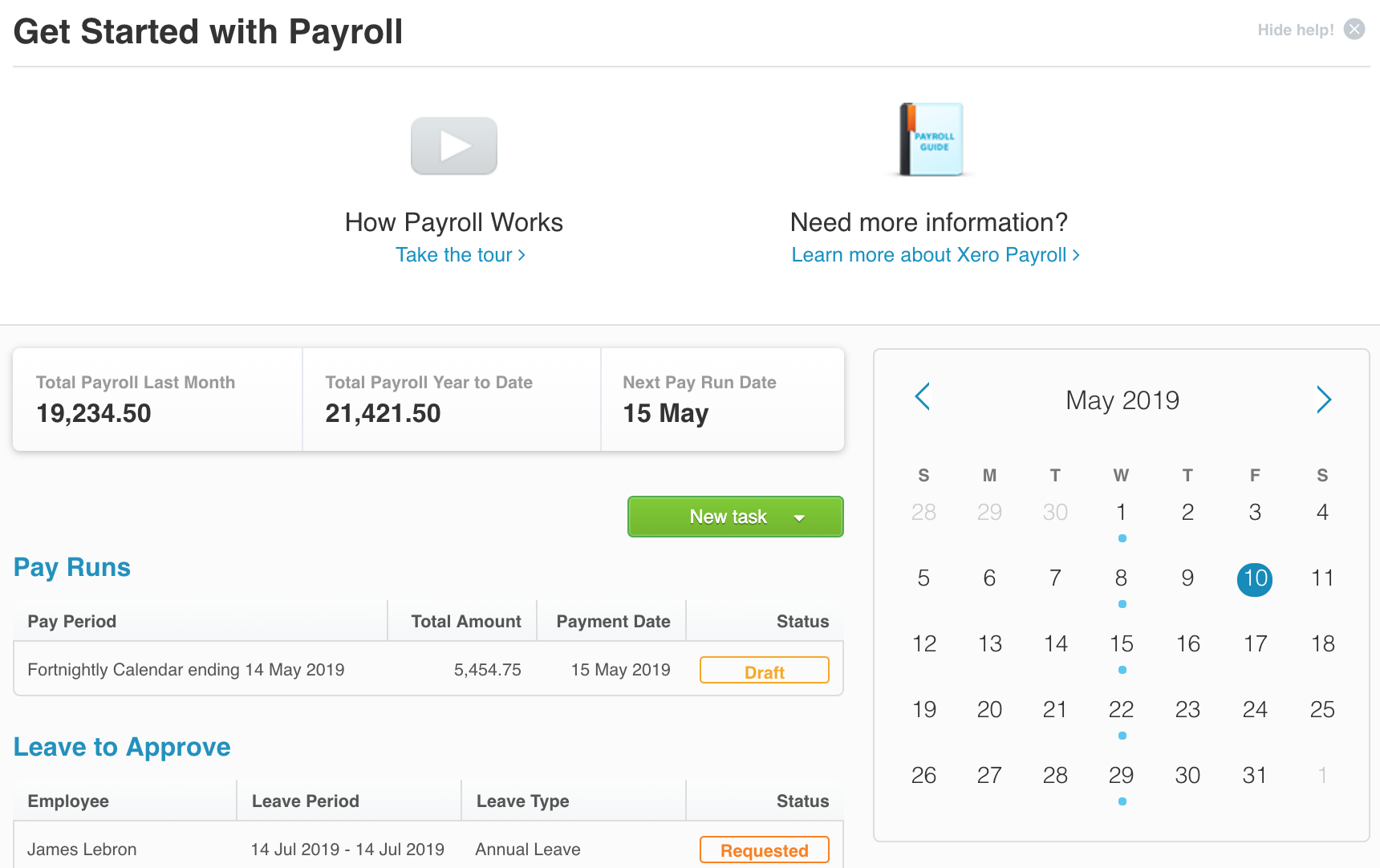
Payroll Overview page