

Integrations overview
UpSheets integrates with several popular third-party applications for scheduling, time tracking and project management. These integrations allow your data to be imported directly from the application without having to export/import a CSV file. Once enabled, each integration lets you provide a date range for the data and import it directly into UpSheets with the click of a button. When you connect an integration for the first time, Enabled is on in the form but nothing is stored until you click Save. An existing connection that is disabled stays disabled until you turn Enabled on and save. Turning Enabled off and clicking Save keeps your saved connection; you can turn it back on later. Disconnect removes saved credentials and connection settings, and you must connect again. Previous imports and uploaded data remain.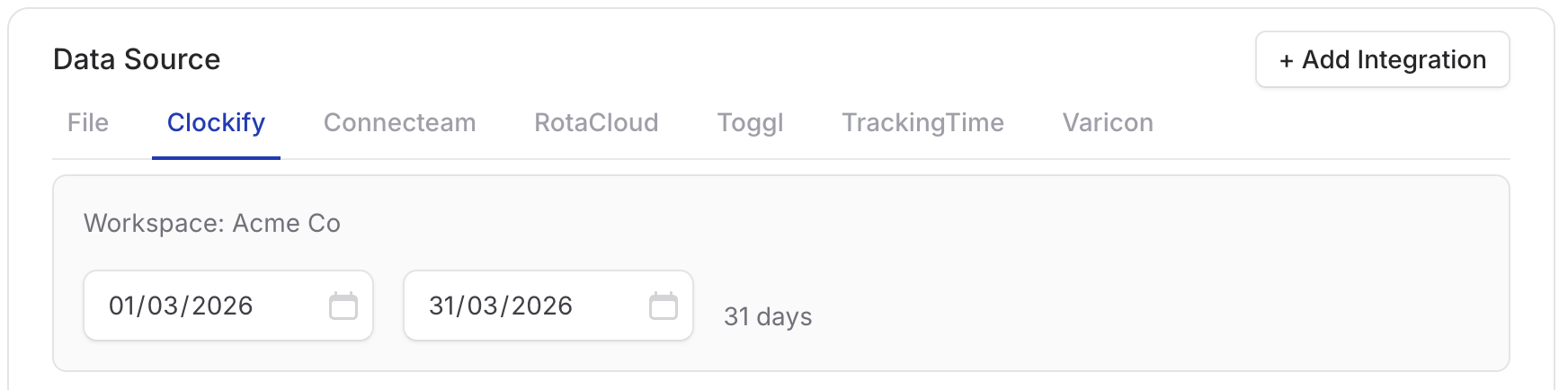
Selecting Clockify as data source
All other import options such as transaction type, status, mapping, and Smart Formulas are available in the same way they are for CSV files.
Available applications
UpSheets currently allows you to import data from the following applications:Other scheduling or time-tracking apps are not connected directly. Export timesheet or leave data from that app as CSV or Excel, then use Import Files and map columns as usual. See Quickstart.